
 Add to Chrome



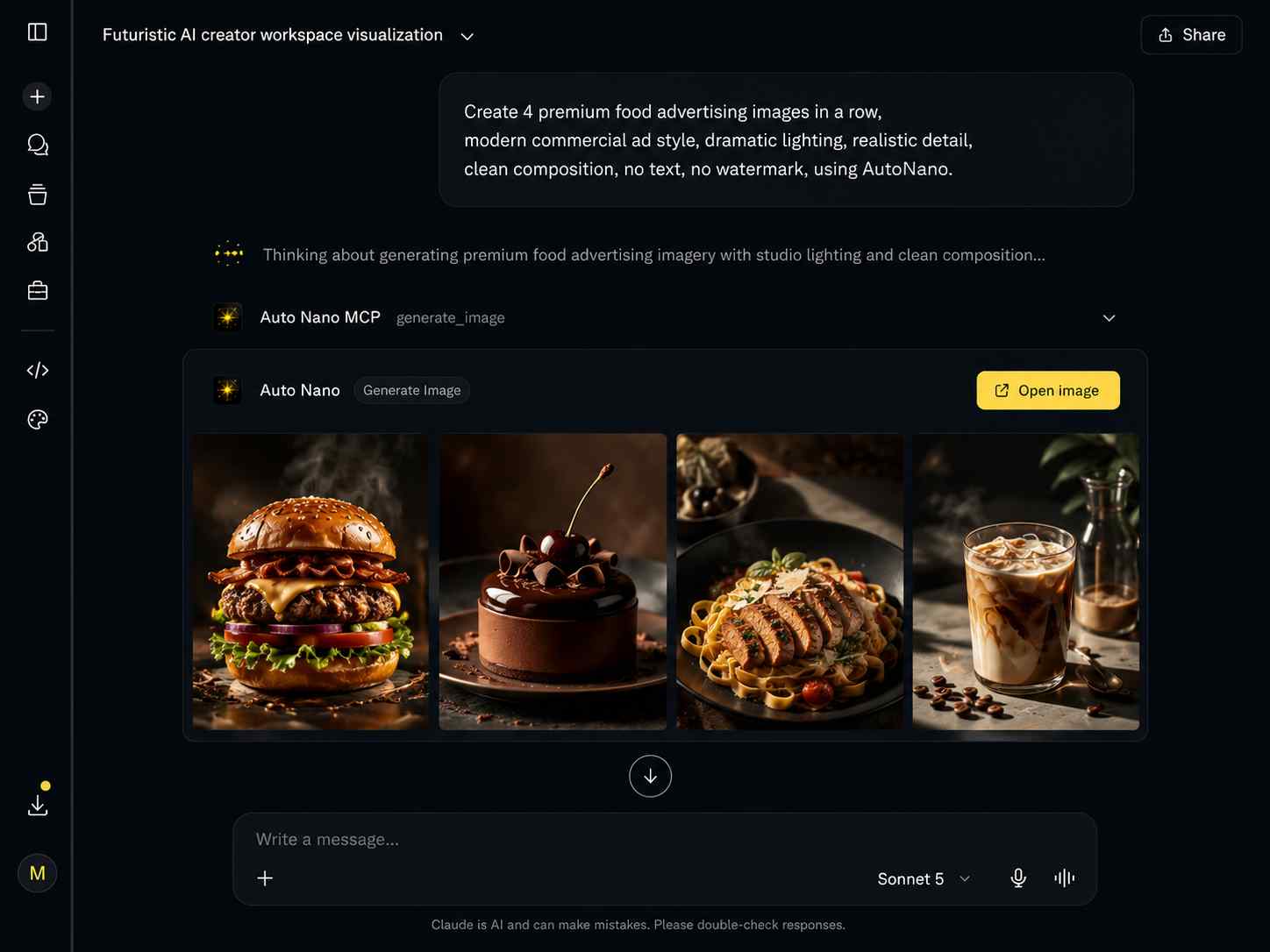
Commerce visuals
Create shopping-ready product ads faster
Turn simple product ideas into polished visuals for ecommerce, social posts, and launch pages.
generate_image
Claude workspace
MCP ready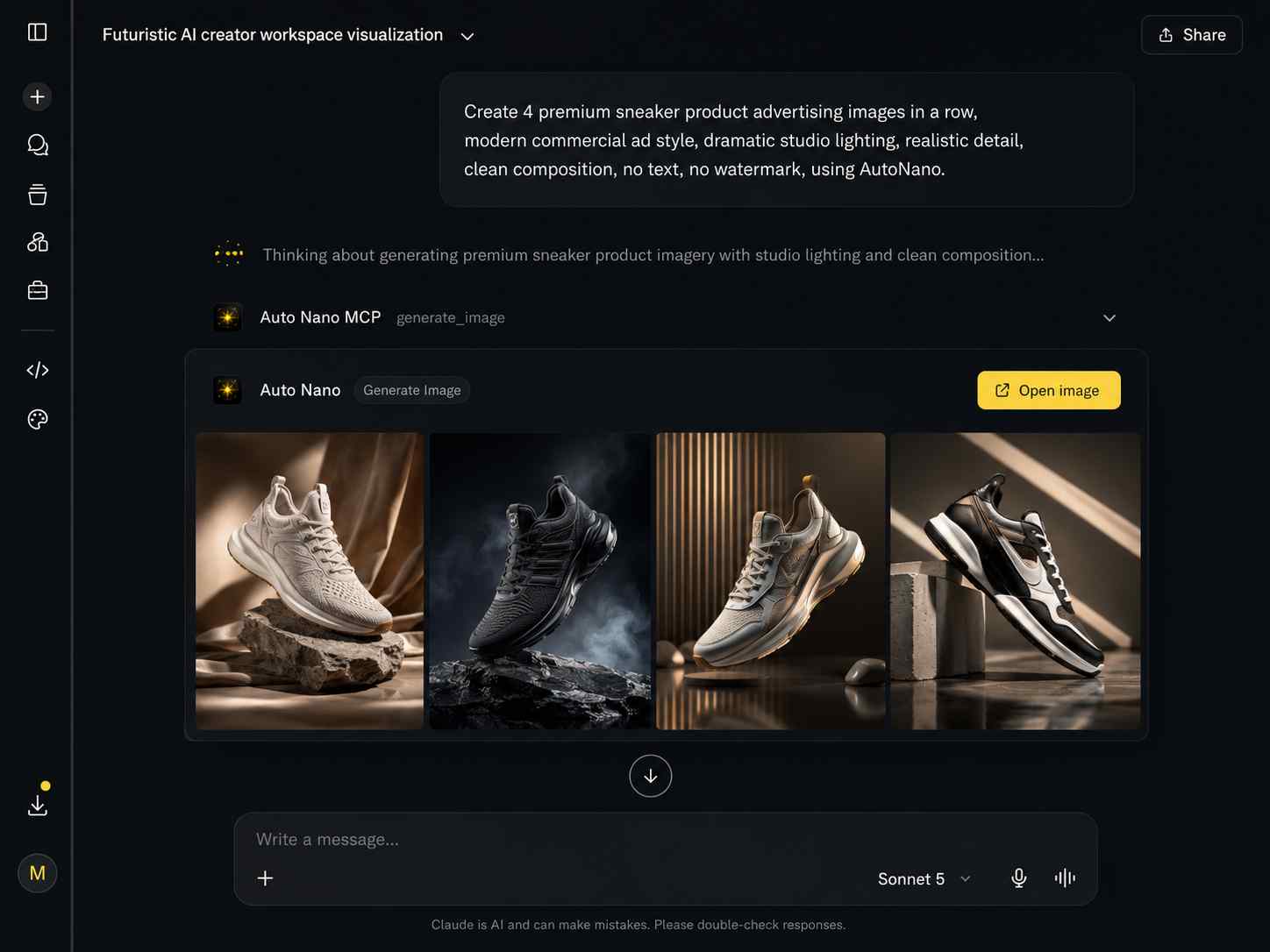
Send image, video, and edit requests from Claude or Cursor, and let your extension run them inside your own Flow session.
How it actually works
AutoNano bridges your MCP client and the Google Flow tab you already have open.
Describe the image, video, edit, or upload task in plain language.
Maps the call to generate_image, generate_video, edit_image, or upload_media.
Dispatched over a WebSocket relay to your signed-in extension.
Runs inside your open Flow tab, using your own session and quota.
The result travels back the same path, straight to your MCP client.
Keep the thinking in your AI assistant, hand the media work to Flow.
Turn simple product ideas into polished visuals for ecommerce, social posts, and launch pages.
generate_image
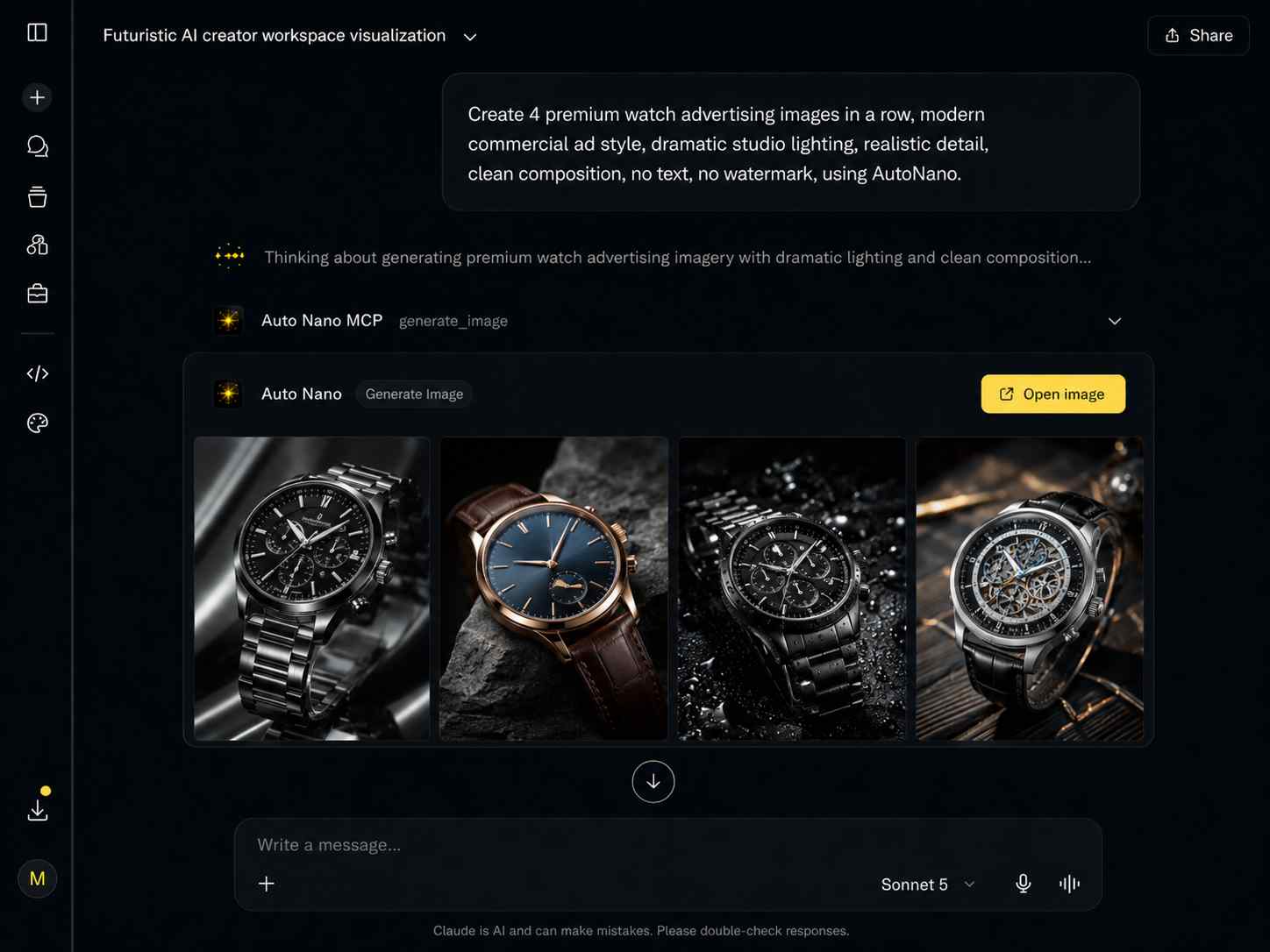
Refined lighting, mood, and composition for high-end campaign visuals.
edit_image
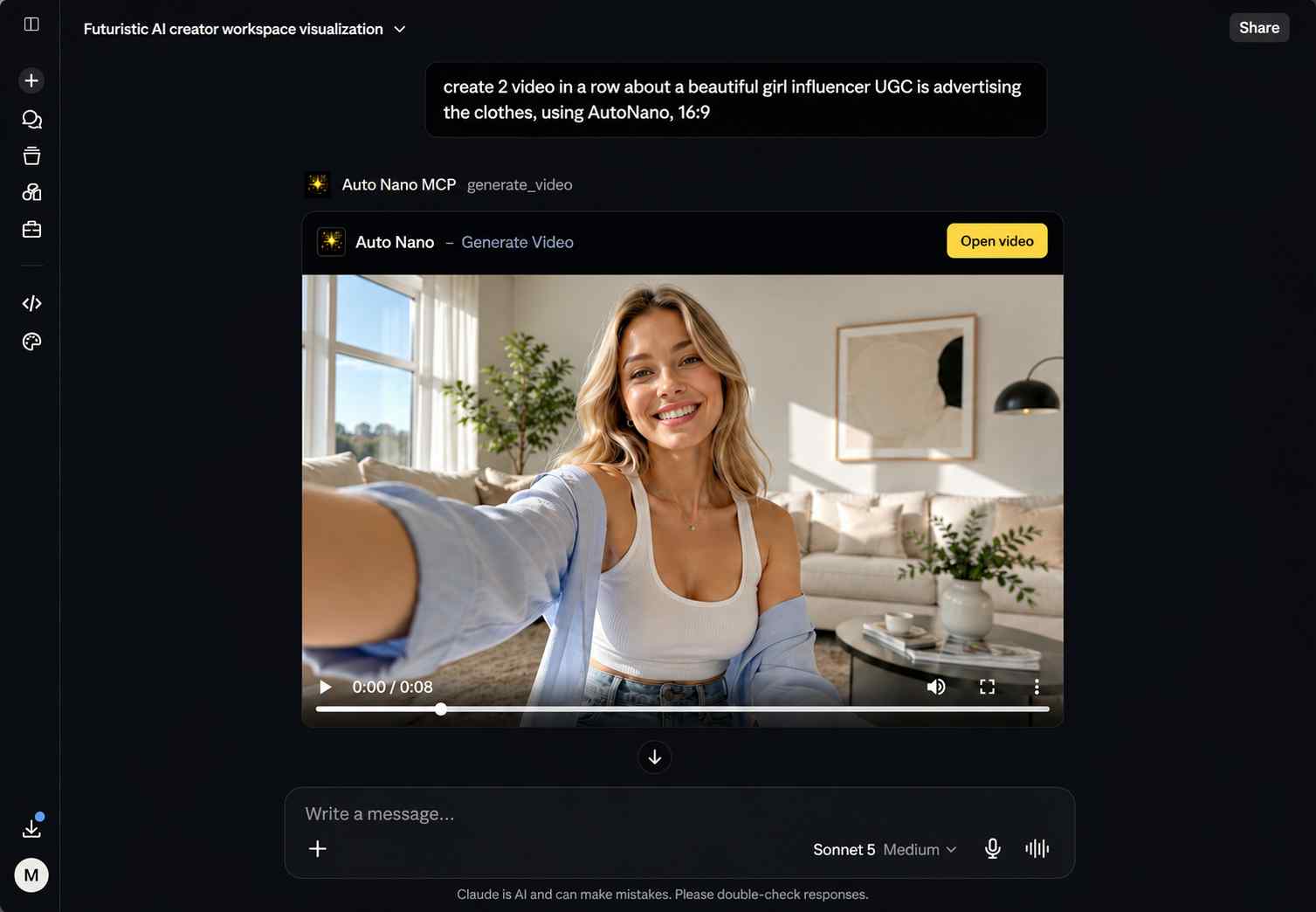
Multiple short UGC-style video directions with consistent framing and angles.
generate_video
Setup
Pick your client, copy the config, drop in your MCP key.
Claude Desktop/Web
Works for Claude Web and Claude Desktop as a Custom Connector.
Go to claude.ai -> Customize -> Connectors
Press + Add custom connector
Paste the connector name and MCP URL below
Name
AutoNano MCP
URL
https://api.autonano.art/mcp?key=YOUR_MCP_KEY
MCP tools
Prompt, model, aspect ratio, 1-4 images.
Text or guided video requests through Flow.
Source file, instruction, optional references.
Upload local images for edit workflows.
Uses your Google Flow session, credits, and quota.
Tasks dispatch to your connected Chrome extension.
The side panel shows recent MCP activity and outputs.
Install AutoNano, keep Flow open, and connect Claude or Cursor through MCP.
Add to Chrome - It's FreeUses your Flow access, credits, and quota.